Xenmark provides a read-only Integration API and an MCP server for compatible AI assistants. They let a team read selected review information—such as projects, revisions, review summaries, comments, replies and notifications—without allowing the external tool to edit the drawing or change the review.
This is monitoring and retrieval, not remote review authoring.
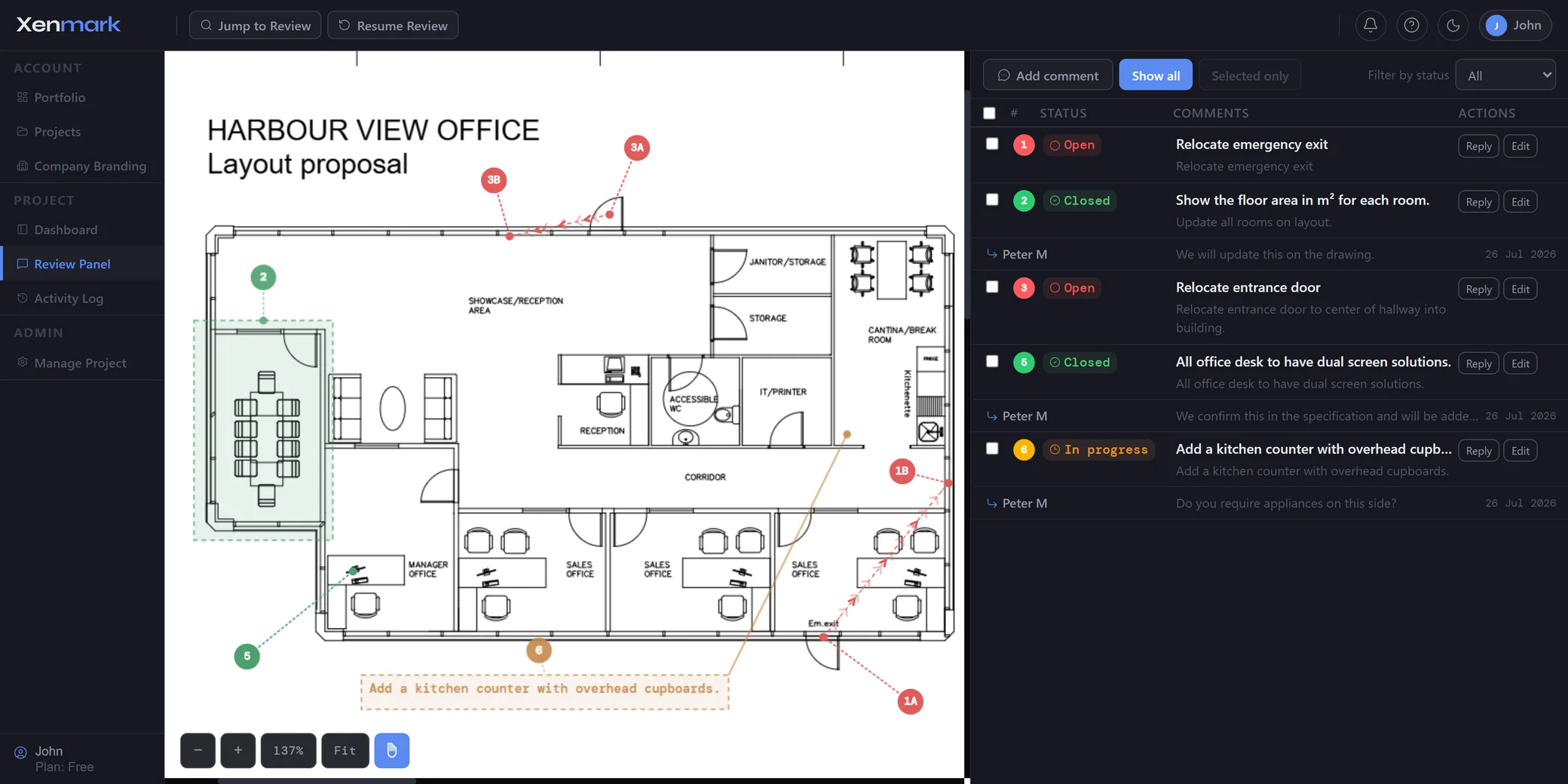
What can the Xenmark Integration API be used for?
The read-only API can be used to pull current review information into another tool or workflow.
Current documented examples include reading:
- the user’s identity and organisation;
- notification/inbox information;
- projects the user belongs to;
- drawings and revisions;
- per-revision review summaries;
- comments and replies;
- links back into the relevant Xenmark page.
The Integration API documentation lists the exact API surface.
Can an integration create or change Xenmark data?
No. The Integration API is read-only by design.
An external integration cannot use it to create a comment, edit a drawing, change a status or delete review content.
That boundary matters: the integration helps the user monitor and retrieve review information while the actual review changes remain inside Xenmark.
What is the Xenmark MCP server for?
The MCP server lets a compatible AI assistant query the user’s Xenmark review information through the read-only integration layer.
A user might ask questions such as:
- What changed in my reviews?
- Which comments are still open on this revision?
- What did somebody reply to a particular review point?
- Which project should I open to follow up an item?
The assistant can return links back into Xenmark so the user can open the real review item.
It cannot change the comment or drawing through the read-only MCP connection.
How does this help a project manager or reviewer?
It reduces the need to manually open several projects just to answer a status question.
A dashboard, internal utility or AI assistant can surface what requires attention, while Xenmark remains the place where the user actually reviews the drawing and makes permitted changes.
This is especially useful for people who participate in several concurrent reviews.
Does the integration expose the drawing files themselves?
No. The Integration API is deliberately limited: it never returns drawing files, email addresses, billing details or account roles.
It is a controlled read-only view into review metadata and discussion content, with links back to Xenmark.
How does this relate to Comment Tracking and Revision Review?
Comment Tracking explains how a review item progresses inside Xenmark. Revision Review explains how review context is preserved across drawing issues.
The integration page explains how selected information about those workflows can be read from outside Xenmark.
Is the integration an automation that can approve or close comments?
No. The API and MCP server are not autonomous approval or write automation.
They are read-only. Any action that changes the review happens in Xenmark through the permissions and workflow of the actual user.
Where are the technical details?
This page covers why you would connect Xenmark to another tool.
Developers asking how to authenticate, call endpoints, handle rate limits or configure the MCP server will find it in the Integration API and MCP server docs.
What kinds of integrations make sense with a read-only API?
Good examples are status dashboards, internal notification tools, lightweight reporting, personal review inboxes and AI assistants that help a user find the Xenmark item they need to open.
The common characteristic is that the integration reads and routes information. It does not become a second place where review content can be changed.
That design reduces the risk of an external automation silently altering a comment, drawing or status.
How does authentication work?
Users create personal API tokens for connected tools and can revoke them. Passwords should not be described as something handed to an integration.
Detailed authentication, rate limits, endpoint definitions and setup commands are in the docs.
The trust model is simple: explicit token, limited scope, read-only behaviour, and links back into Xenmark for the actual action.
Why is read-only useful for AI assistants?
An AI assistant can help answer retrieval questions—what changed, what remains open, who replied—while the user retains control of the real review action.
That is a meaningful product boundary. The assistant can help the user navigate information but cannot approve a drawing, close a comment or rewrite the project through the MCP connection.